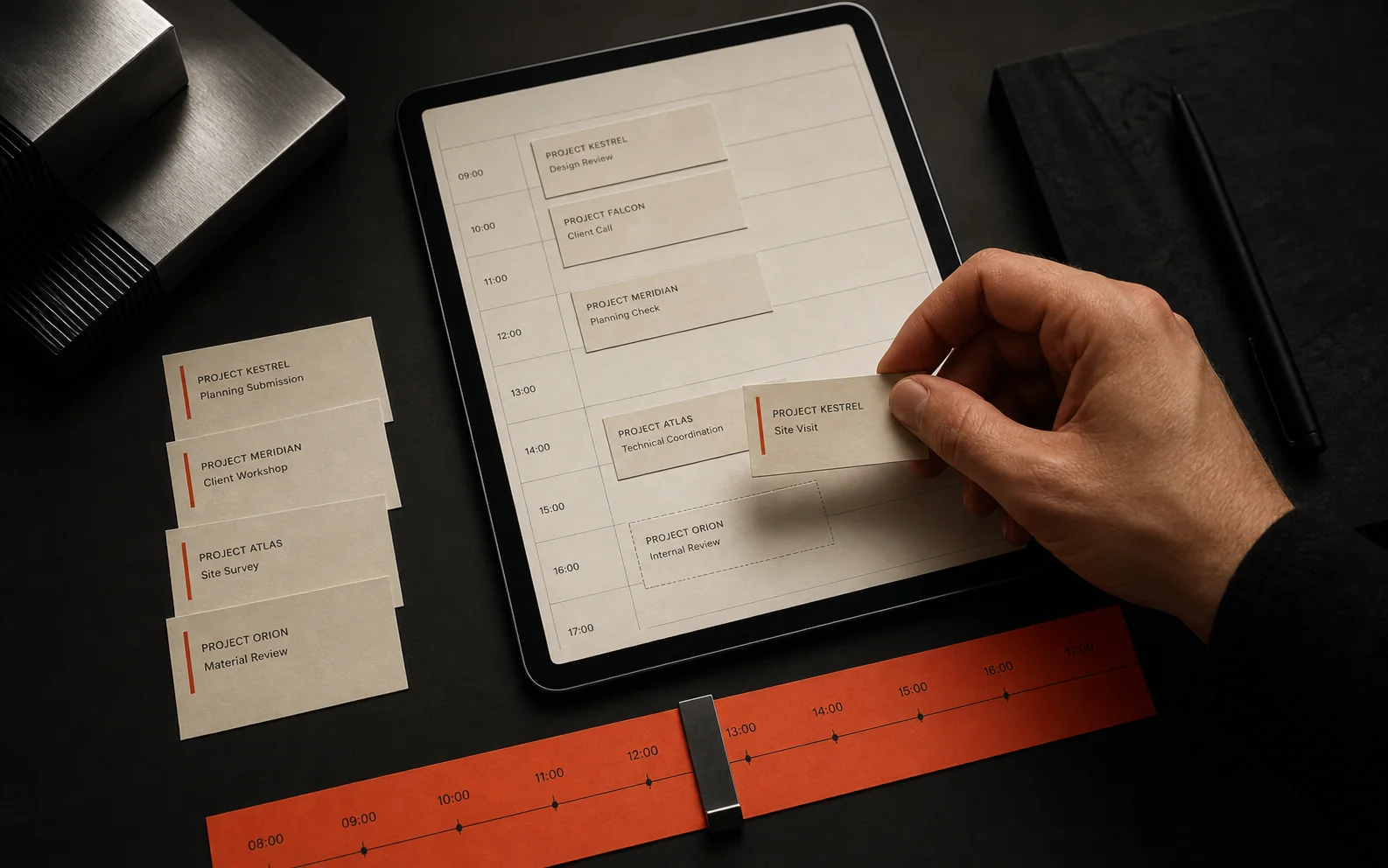
Service businesses rarely struggle because they do not work hard enough. They struggle because jobs move through too many places: phone calls, emails, spreadsheets, photos, WhatsApp messages, paper notes and accounting software. Job management software brings the workflow into one system so staff can see what is happening and customers get clearer updates.
What job management software should actually do
At its simplest, job management software tracks work from enquiry to completion. The details vary by sector, but the core idea is the same: one record for the customer, the job, the schedule, the notes, the status and the outcome.
Core features most service businesses need
A useful job system should match the way work is delivered. For a local service business, that usually means simple tools for the office and fast tools for staff in the field.
- Enquiry capture so new work enters the system cleanly from the website or phone.
- Customer records with contact details, history, notes and documents.
- Scheduling with assigned staff, dates, times, locations and status.
- Job notes, photos, checklists and signatures from mobile devices.
- Customer messages, confirmations and reminders.
- Reporting on completed work, outstanding jobs, revenue or bottlenecks.
Off-the-shelf vs custom job management software
Many businesses should start with existing products. Tools built for trades, field service, bookings or CRM can be excellent. Custom software becomes worth discussing when your workflow is specific enough that standard tools create too many compromises.
- Choose off-the-shelf if your process is standard and the team can adapt to the software.
- Consider custom if your process is unusual, multi-step or central to how you compete.
- Consider custom if you need your website, booking flow, staff app and dashboard to work as one connected system.
- Avoid custom if the process is not stable enough to define yet.
Common workflow problems a custom system can fix
The strongest use cases usually come from repeated friction. If the same problem happens every week, it is easier to justify building around it.
- Office staff retyping website enquiries into spreadsheets or CRM tools.
- Field staff sending photos and updates through personal messaging apps.
- Managers asking for status updates because there is no live view.
- Customers calling for information that could be automated.
- Invoices or reports being created manually from job notes.
How this connects to your website
A job management system becomes more useful when it connects to the website. Enquiry forms can create draft jobs. Booking requests can show availability. Customer portals can show updates. Tracking can show which services produce the best enquiries. The website stops being just a brochure and becomes the front door to the operational system.
Start with the smallest useful system
A sensible first version might only include enquiries, customers, job status and staff notes. Once the team uses that reliably, you can add scheduling, customer portals, payments, reporting and integrations. Building in stages keeps cost, risk and complexity under control.
The bottom line
Custom job management software is worth considering when standard tools do not fit the way your service business works. The goal is not to build a huge system for its own sake. The goal is to remove the admin gaps that slow jobs down, confuse customers and make growth harder to manage. Get an instant estimate for custom job management software.