A custom AI chatbot should not be a novelty widget. For a small business, it should answer common questions, qualify useful enquiries, book the right appointments and know when to hand over to a person. The value comes from training it on your business, your services and your tone of voice, not from dropping a generic bot onto the website and hoping customers use it.
Start with the conversations your team already handles
The best AI chatbot brief is usually hiding in your inbox, call notes and website enquiries. If your team answers the same questions every week, those questions are candidates for automation. Pricing ranges, service areas, appointment availability, opening hours, preparation instructions and next steps can often be handled instantly by a trained assistant.
What a useful AI chatbot can do
For UK small businesses, the most useful chatbot jobs are practical rather than flashy. The assistant should reduce repetitive admin while making the customer journey clearer.
- Answer common service, pricing, location and process questions using your approved content.
- Qualify leads by asking about budget, timing, location, service type and urgency.
- Book appointments or discovery calls into the right calendar.
- Collect structured enquiry details before the team follows up.
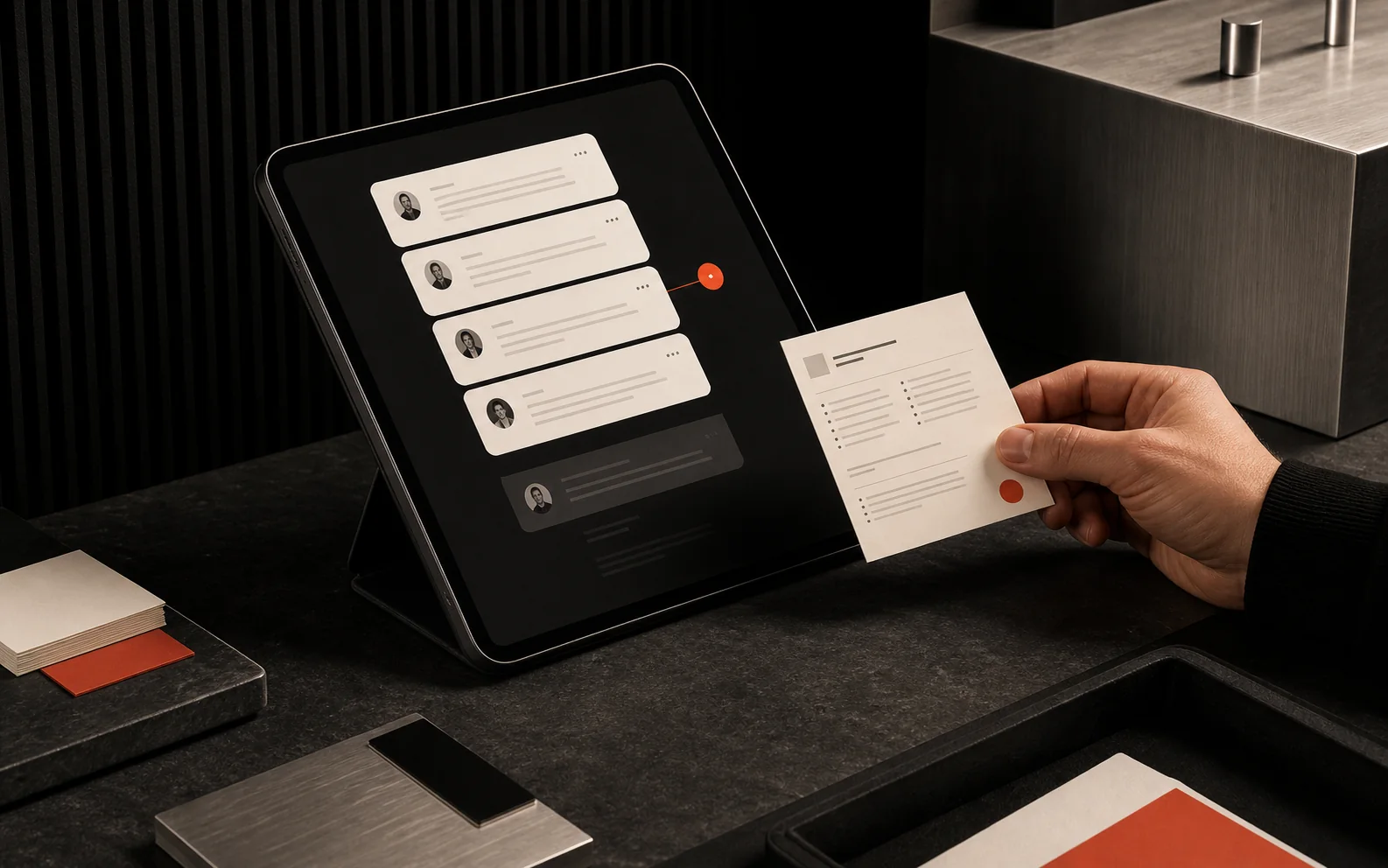
- Route urgent, sensitive or high-value conversations to a human with context attached.
Why custom beats generic
Generic chatbots usually fail because they do not understand the business. A custom AI chatbot can be trained on your real website copy, FAQs, policies, documents, prices, services and preferred wording. That makes answers more accurate and more consistent with how your team already speaks to customers.
Where the chatbot should live
Most businesses start with a website chat widget because that is where search and ad traffic lands. Depending on the customer journey, the same assistant can also support WhatsApp, email triage, Facebook Messenger or an internal staff portal. The right channel is the one your customers already use.
What to decide before development
A safe, useful chatbot needs boundaries. Before building, decide what it is allowed to answer, what it should refuse, what needs human review and what data should be captured.
- Approved knowledge sources, such as service pages, FAQs, policy documents and booking rules.
- Escalation triggers for complaints, urgent cases, unusual pricing or sensitive topics.
- The tone of voice, including how formal, concise or conversational the assistant should be.
- The business systems it should connect to, such as calendars, CRM tools, forms or email.
- The reporting you need, such as common questions, missed answers and qualified lead volume.
How Mousehold Studio builds AI chatbots
We scope the assistant around one useful job first, then train, test and refine it from real conversations. The goal is not to replace your team. The goal is to give customers helpful answers faster and let your team spend less time repeating the same information.
The bottom line
A custom AI chatbot makes sense when your business receives repeated enquiries that can be answered safely and consistently. Start with a clear use case, train it on trusted content and keep human handover close. That is how an AI chatbot becomes a business tool instead of a gimmick.