The best way to keep a website within a small budget is to decide what belongs in the first version. For a Norwich startup or established sole trader, that usually starts with a clear offer, useful evidence and a dependable way to enquire. This guide helps you prepare that first version, decide between one page and several pages, and leave room for later work without paying for everything at launch.
Write a brief that fits on one page
Before choosing a layout, write a short brief using the questions below. It gives a designer enough context to explain whether a fixed package will fit. Being specific about your budget is useful: it makes it possible to reduce the scope early, instead of discovering halfway through that the important feature was never included.
- What do you sell, and which service should the website focus on first?
- Who is the customer, and what do they need to know before contacting you?
- Which areas do you actually serve: Norwich, selected Norfolk towns or somewhere wider?
- Should the first enquiry arrive by form, telephone or another existing channel?
- What is your build budget, what can you spend on ongoing care, and when is the content ready?
Choose one page when the offer is simple
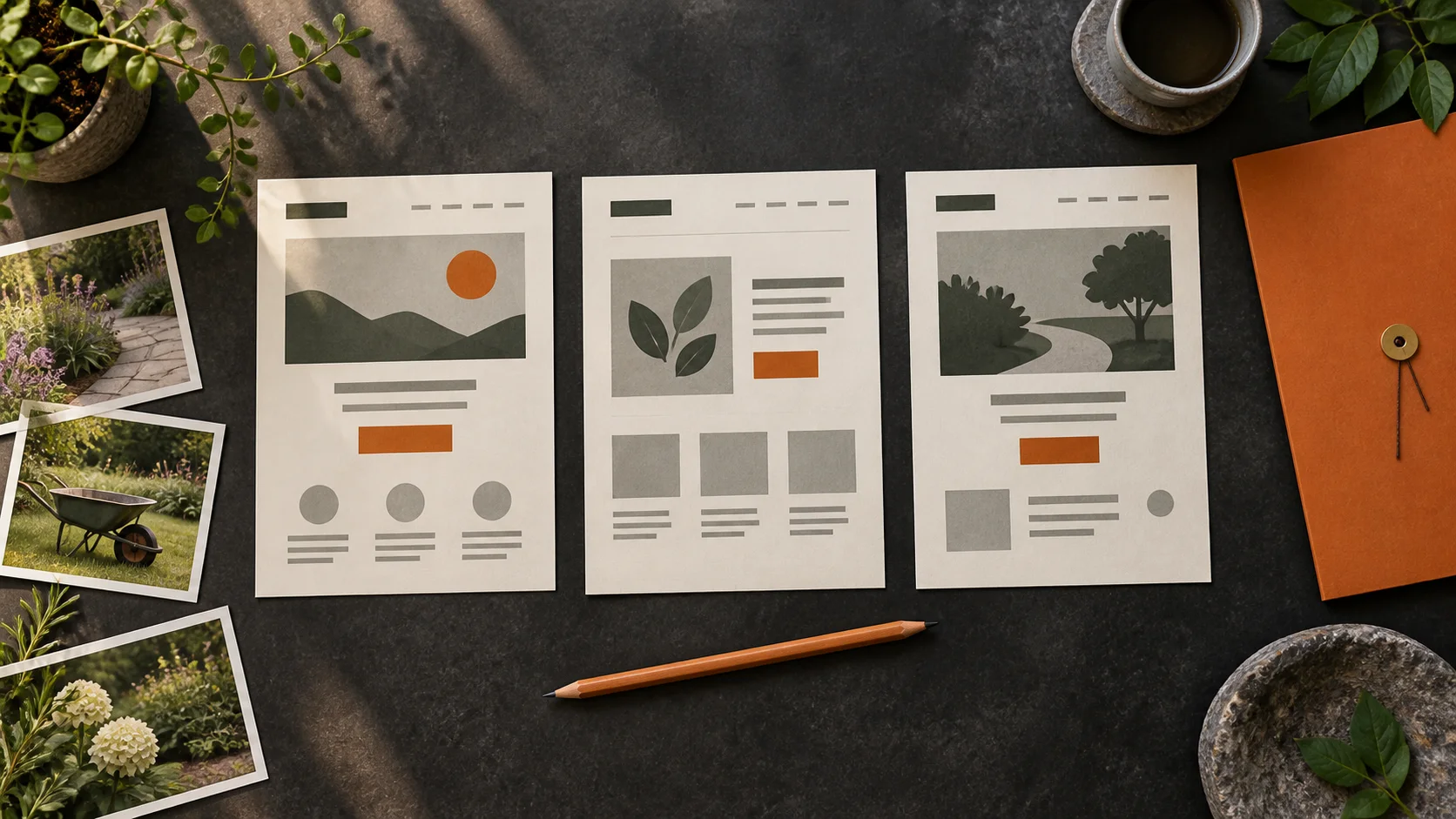
A one-page website can suit a business with one main service and a short route to enquiry. Put the offer first, then explain what is included, show relevant work, answer common questions and give a clear contact option. As a hypothetical example, a local garden maintenance business might start with its regular services, actual coverage, a small gallery and an enquiry form. It would not need a separate page for every nearby town.
Use separate pages when customers need different answers
If your services need substantial explanations, squeezing everything onto one page can make comparison harder. A small multi-page site may give you a clearer structure. Our one-off template packages start at £495 + VAT for one page and £795 + VAT for up to three pages. Hosting and ongoing care are separate on both. Choose the page count around useful content, not an assumption that more pages automatically means better SEO.
Prepare the material that makes a small site credible
Good source material reduces avoidable back-and-forth. A budget website does not need a long company history or a pile of stock claims. It needs enough specific information for a visitor to understand the business. Collect the following in a shared folder or document before the build starts.
- Your logo, preferred colours, business name and current contact details.
- A plain description of each included service, including meaningful limits or exclusions.
- Photographs of work you have permission to show, with a short explanation of each project.
- Genuine testimonials you are entitled to publish, with accurate attribution, if you have them.
- Opening or contact hours, the areas you cover, and whether meetings must be arranged.
- Access needed to connect the existing domain, shared securely when requested.
Separate launch essentials from later ideas
The first version should work properly on a phone, explain the offer, use readable text and have a tested contact route. Keep optional additions on a separate list. A booking tool, online shop, customer portal, extensive copywriting or new branding can be useful, but each changes the work involved. Brochure template packages do not include those custom features. Ask for an explicit quote before adding them.
- Launch first: clear service copy, supplied images, contact details and a working enquiry form.
- Agree now: hosting, maintenance responsibility, ownership terms and the actual launch checks.
- Consider later: additional service pages, deeper case studies and integrations supported by a real customer need.
Make local relevance factual
Say that you serve Norwich where it helps the reader, and explain your real coverage. Do not repeat the same location phrase in every sentence or invent a city-centre office. A service business can explain how visits or appointments work without inviting people to a residential address. For examples of presenting completed work, our JCC project shows service information, galleries and enquiry routes. It is a portfolio example, not a claim that the project used one of these budget packages.
See the JCC website project · Learn how to plan useful service-area pages
Set a launch date around ready content
Our two-working-day template launch guarantee starts after purchase and receipt of all final copy, images, branding, business details and access needed for the agreed package. For Website + care, the first payment must have cleared. Working days are Monday to Friday, excluding UK bank holidays. Custom features and integrations have separate timescales. Choosing a design is therefore only one step: preparing the content is what makes a short launch schedule realistic.
The bottom line
A useful budget website starts with a manageable scope and material that answers real customer questions. Explore budget website options for your Norwich business. If you are still comparing offers, use our cheap website buying checklist, then ask us to check your brief against a fixed package.